Online Video Cutter
Trim your video to perfection. Our video cutter supports all video formats and enables you to trim any video in seconds.
Our partners

Cut Video Online
Cut video onlineAchieve Professional Results in Minutes
Video editing doesn’t have to be complex or intimidating; all you need is a clear, sharp clip with no excess content at the start or end. It is now so easy with an online video cutter that you can cut your videos quickly without installing bulky software or mastering complicated tools.
You may be a business owner creating a promotional video, a video producer creating a reel, or simply someone who needs to clean up some of their personal memories. An online video cutter can help you achieve professional results in just a few minutes.
You do not have to struggle with complex editing software; all you have to do is upload your video, trim the sections you do not want, and download a cleaner, higher-quality version. The tool is compatible with all regular file types, and you can easily trim or cut video of any format.
It supports MP4, MOV, AVI, and other video formats, so it can be used by anyone who wants to cut video online, make a short video, or even create a video promo in the quickest, easiest way possible.
Easily Trim, Crop & Cut Videos Online
Looking to remove unwanted footage from your video?
We make it easy to trim your video online, crop your video online, and cut your video online straight from your browser. You can also resize your video online, add your logo, customize your fonts, and so much more with our online video cutter and browser-based video editor.
Video Trimmer
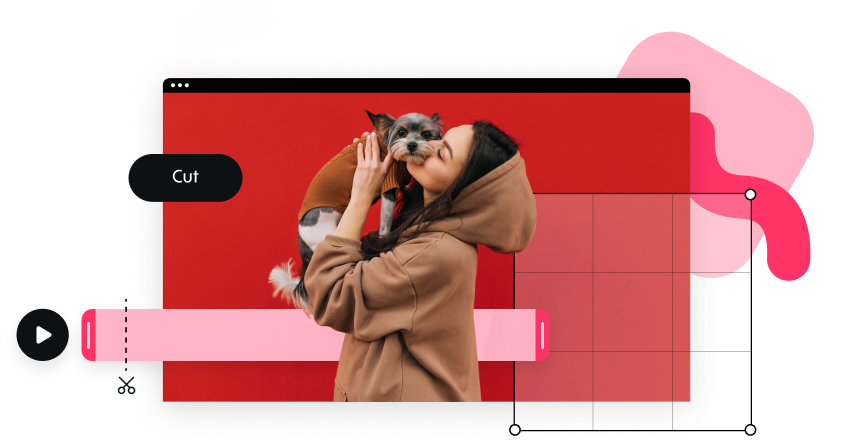
Extra seconds, be gone! When you’re putting together a Promo video – it’s got to be just right. With our free online video trimmer tool, you can easily tidy up and trim your video online using simple start and end markers. No installation necessary, making it perfect for fast cuts and quick edits.
MP4 Cutter and More
Use our MP4 cutter, MP4 trimmer, and video cutter to trim and resize your video for a professional and polished result. You can also add your choice of text styles and logo to really make your video stand out, giving you a fully branded promo video in minutes.
Video Resizer
You’ve cut, and you’ve cropped – now it’s time to resize your video online. Square, wide, or vertical – Promo.com’s video resizer makes it easy to change the size and aspect ratio of your video for TikTok, Instagram, YouTube, and more.
No Installation Required
No need to download anything. Our all-in-one online video cutter, video cropper, and video trimmer will be available straight in your browser — easy, fast, and no installation needed.
How To Cut Videos Online

Upload a video
Create an account for free. Upload your own video or select one from over 200M videos available in our visual library.

Choose the Start & End
Using the bar markers, select the start and end for the section you want to cut from your video. Click Use, and our video cutter will do the rest!

Download & Share
Once you’ve finished using our video trimmer, click on Save & Preview and then on Download. Just like that, your video is ready to captivate your audience.
What Makes Promo.com's Online Video Cutter #1
Unlimited Use
There’s no limit to how many times you can use our online video cutter, free video cutter, or video trimmer online. Reach your audience and grow your business over and over again with professional-quality videos made easy with Promo.com’s browser-based video editor.
Easy & Fast
You don’t need to be a professional video editor to create stunning videos. With our free online video cutter, online video trimmer, and easy video editing tool, user experience is top of mind – no special skills or installation required. Just upload, trim video online, and download.
Compatible with All Video Formats
Our free video cutter is compatible with both Mac and Windows. Use our video cutter online for any format, including MP4, MOV, AVI, and more, with our MP4 cutter, MP4 trimmer, and online video cropper.
Why Use an Online Video Cutter
One can easily see why an online video cutter has become one of the most convenient tools for creators, businesses, marketers, students, and other users.
Fast, Easy, and No Software Required
One of the biggest advantages is convenience. You do not have to download anything, update programs, or learn complex interfaces. Everything happens directly in your browser. This saves time and makes the tool ideal for quick edits, urgent content deadlines, and fast uploads for social media.
Supports All Video Formats
Whether your video is MP4, MOV, AVI, or another format, the online video cutter is designed to trim or cut video of any format. This makes it a versatile tool for people who work with multiple types of footage. The ability to trim different file types without converting them is a huge time-saver.
Beginner-friendly and Reliable
Unlike advanced editing software that requires tutorials and practice, an online video cutter offers a clean, simple interface that anyone can understand in seconds. This ease of use makes it suitable for beginners, but the quality of the output also satisfies professionals.
Perfect for Social Media Content
Short, polished clips perform best online. Whether you need a quick cut for TikTok, a short reel for Instagram, a snippet for YouTube Shorts, or a highlight for Facebook, the tool helps you prepare platform-ready content instantly. It works beautifully as a video trim tool for all content styles.
Great for Business and Marketing
Brands often need short, professional-looking videos for ads, promotions, and product presentations. An online video cutter makes this easy by providing a fast trimming experience and optional editing tools for branding.
With Promo, businesses can also create video promo online, add music, and include text overlays to enhance their marketing campaigns.
Useful for Personal Projects
From school assignments to birthday clips, event highlights, travel memories, and family videos, the online video cutter helps you produce beautiful, polished results effortlessly.
What Our Clients Say
Frequently Asked Questions
How to crop a video?
- Upload your video online
- Click on Preview
- Choose the Start & End of the video using start and end markers
- Click on Use to confirm
- Open the Editor in our online video cutter
- Preview & Download your video
Promo.com’s online video cropper is that easy! Use it to trim video online, crop video online, and create professional promo videos with no installation needed.
How to cut YouTube videos?
- Import the downloaded video from your computer
- Click to adjust the cut on your video timeline using our MP4 cutter or video trimmer online
- Confirm the cuts and download the final video
Use Promo.com’s video cutter online in just three easy steps! Resize video online, add your logo, and customize your fonts to make a clean video output for social media or marketing.
Can I trim MP4 videos?
Absolutely. The tool works perfectly as an MP4 cutter or MP4 trimmer.
Is it safe to upload my video?
Yes, online video cutters use secure environments to process your file safely.
Can I create promotional videos?
Yes, you can trim clips and also create video promo online using Promo’s editor.
Do I need editing experience?
Not at all – the tool is simple enough for beginners and fast enough for experts.
Create any video for your business with Promo
If you’re looking for an online video cutter, we’ve got your back. However, there’s much more to do on Promo.com. Explore our collection of online tools and start creating better videos.

Explore More Online Tools
Promo Video Maker
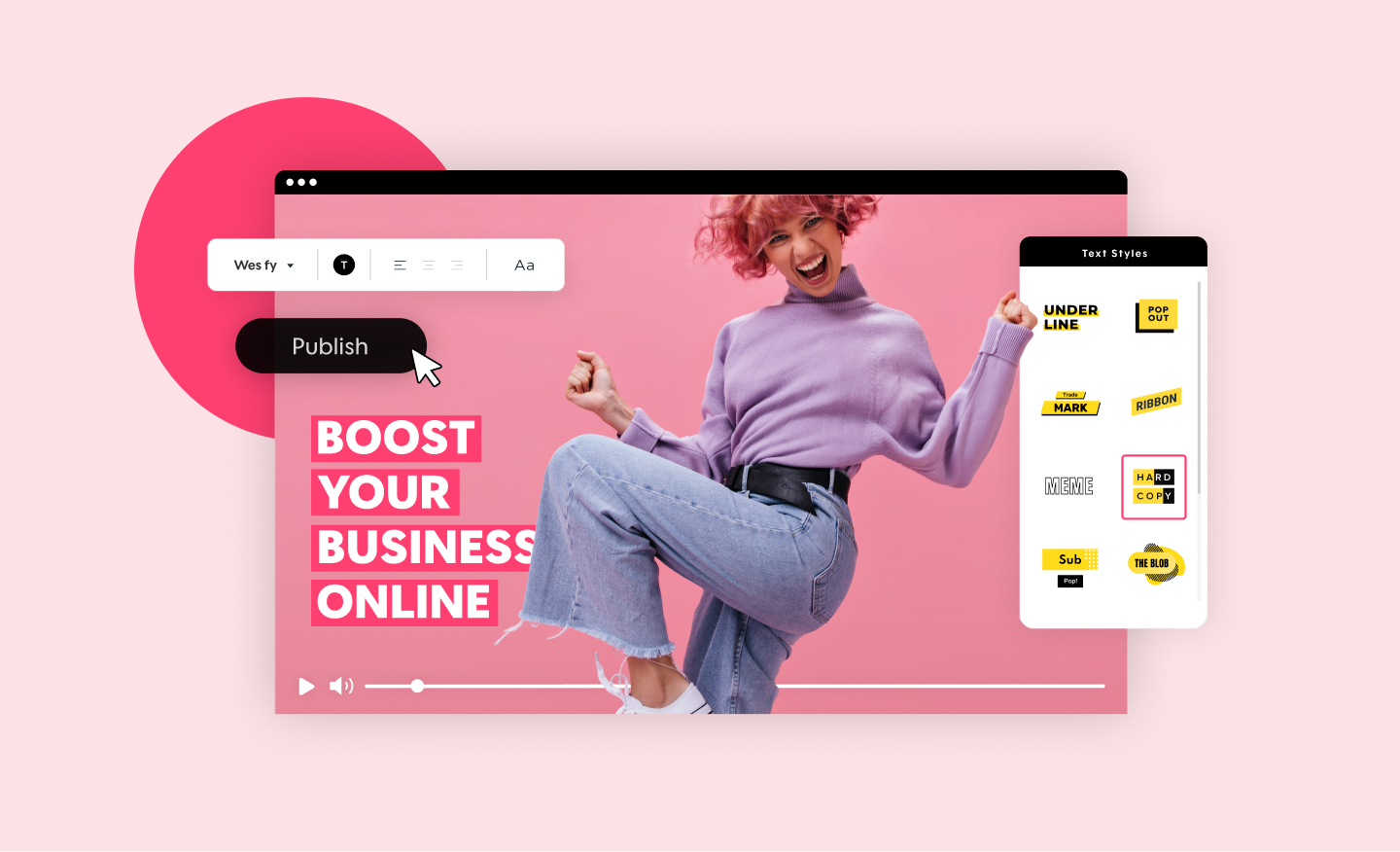
Create a standout video for your company or business in minutes. Choose videos, images, and music from our premium stock library or upload your own for a professional and impactful result.
Add Music to Video
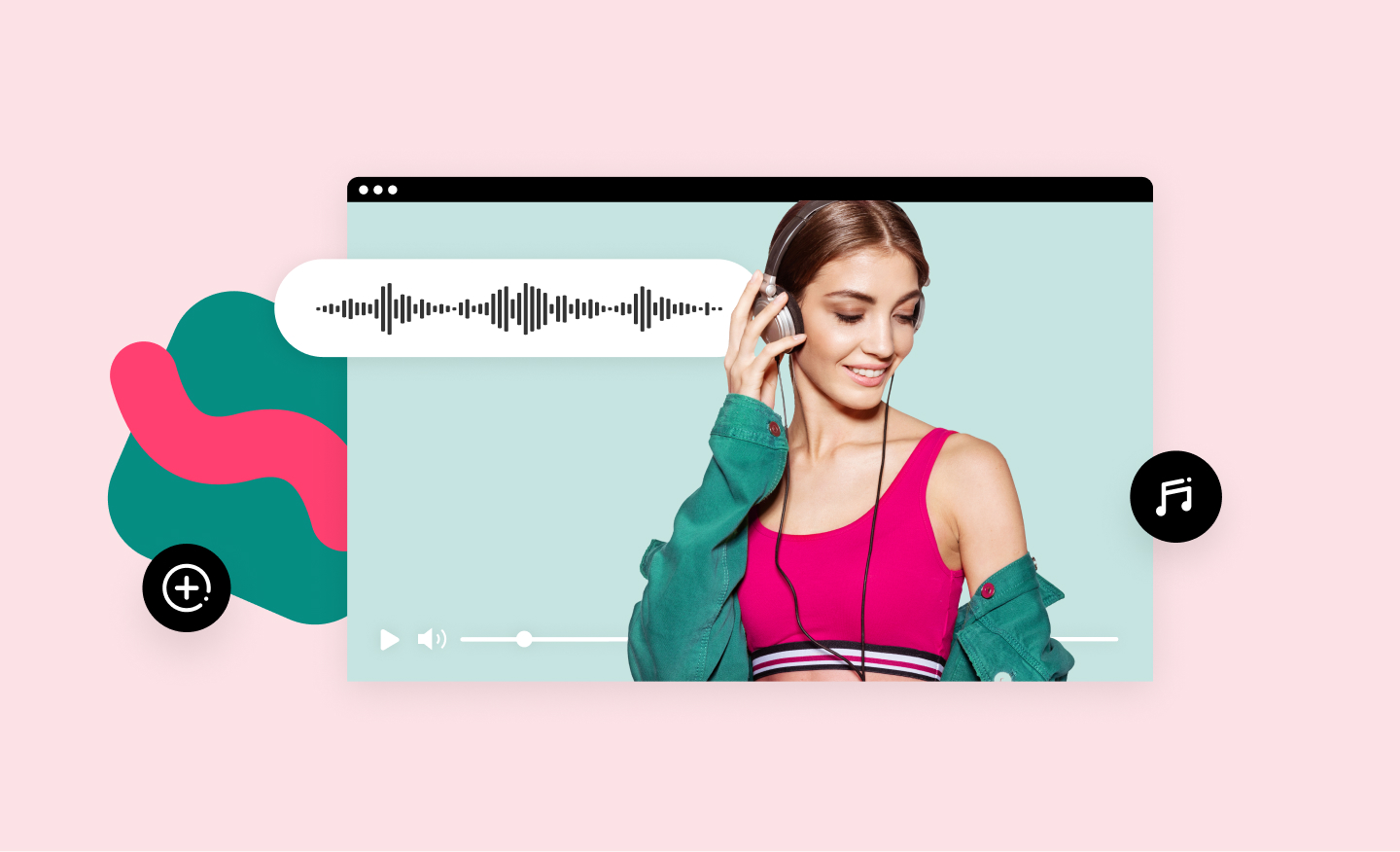
Add audio tracks to your video in no time using Promo’s online video editor. It's easy, free and completely online. Upload your own music or choose one from our audio library, pre-approved for all social media platforms.
Online MP4 Editor
Create stunning videos and edit your MP4 video files online. Using our MP4 editor you can add your own text, music, and logo. No installation required.
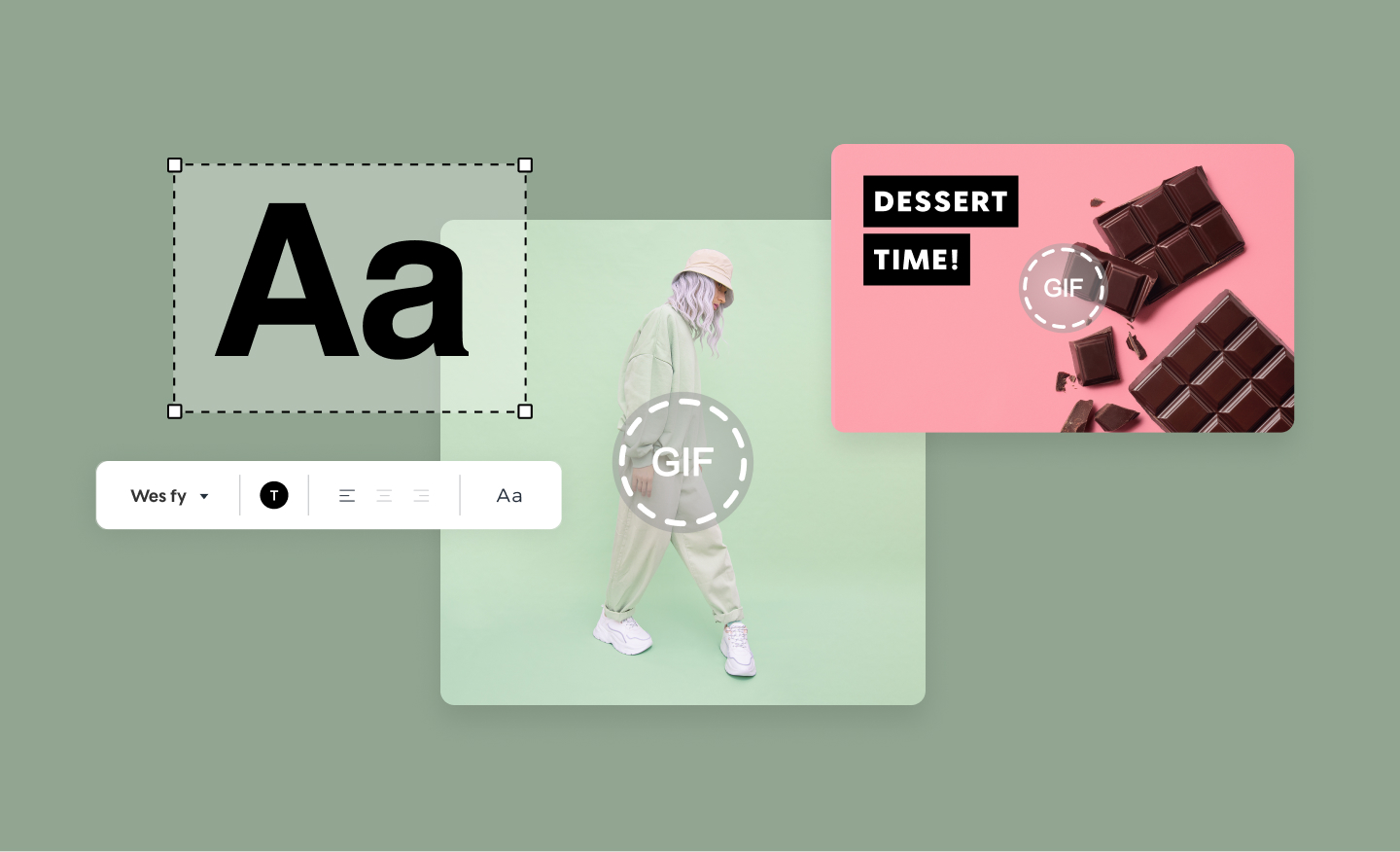
Add Text to GIF
Get more views with GIFs that capture attention. To create your own GIF choose any video or upload your own. Add text and export as GIF. Unlimited options for unlimited fun.