The #1
YouTube
Ad Maker

Make strong video ads for YouTube in minutes

The #1
YouTube
Ad Maker

Make strong video ads for YouTube in minutes

Try for Free! Line

Our Partners

Our Partners
facebook
instagram
youtube
getty1
shutterstock
shopify_logo_whitebg_40px

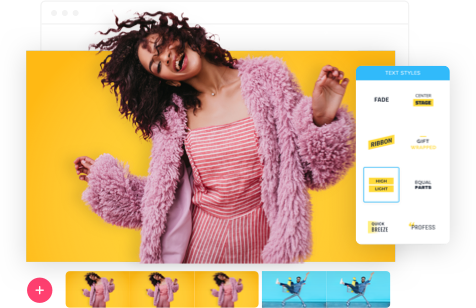
In the current digital world, the right YouTube video ad maker is key for brands, creators, and marketers to shine. The YouTube Ad Maker is a Promo.com tool that lets anyone produce a professional, engaging video advertisement in minutes without advanced editing knowledge.  

Designed to help you express your idea and even learn how to advertise on YouTube without paying, Promo offers a range of ready-made templates, stock videos, music, and text styles to make your ideas come true in a short period of time.  

Promo provides a balance between creativity and simplicity, unlike fully automated tools such as an AI ad generator or an AI ad maker. You can manage your visuals, branding, messaging, and experience, enabling a seamless workflow.  

Promo is a full-fledged video advertisement maker, commercial producer, and dependable video ad producer for quality YouTube video advertisements.


How to make a YouTube ad:

How to make a YouTube ad:

Our easy-to-use video editing tools let you quickly create a YouTube ad that will make your viewers take notice. In minutes, you can create a professional video that looks great on both mobile and desktop:

Step 1
Step 1
Free sign up at Promo.com or log in to your account.
Step 2
Step 2
Select the YouTube ad template that best matches your needs from our professionally designed library.
Step 3
Step 3
Make your own video: insert your text, add your logo, and modify the visuals to suit your brand.
Step 4
Step 4
You can preview your ad and then download it or post it to YouTube, as you choose, in the Promo editor.
Try for Free!

Why Use Promo.com for YouTube Ads?

Why Use Promo.com for YouTube Ads?

In addition to providing the best support and creative assets for your YouTube video ad maker strategy, Promo.com offers standout features you won’t find elsewhere:

  • A team of creative professionals is constantly updating customizable, ready-to-use YouTube ad templates.
  • An editor that lets you take charge, with features to add your own videos, photos, and music – ideal when you need to make a professional video ad.
  • A structured platform to store all your videos and uploads free of charge.
  • A direct option to upload videos on YouTube and other social media websites through Promo.com.
  • A free, unique sharing link for feedback and collaboration.
  • Social media calendar to stay on top of trends.
  • Unlimited content and downloads weekly on each plan, which is FREE.

Promo is a complete ad creator, commercial maker, and reliable ad maker for YouTube video advertising. 

Promo.com Editor

Types of YouTube Ads

Types of YouTube Ads

Familiarize yourself with the platform prior to creating a YouTube video advertising. YouTube provides several types of video advertisements, all of which have their requirements, benefits, and downsides:

  • Video Discovery – These are basically a type of search ad. They are video advertisements that can be viewed at the beginning of the search or in the related videos section. A viewer will also see a related banner ad next to the video when they open it to watch. Perfect for anyone using a YouTube ad maker.
  • In-Stream Ads – These advertisements are automatically played in front of the user while watching a normal YouTube video. They have options to skip the advertisement after five seconds in most instances, and hence, it is necessary that the first five seconds matter. Great for quick ad creator campaigns.
  • Preroll Ads – These videos cannot be skipped, and they can be as short as 10-20 seconds in length, depending on whether they will be seen at the start or the middle of the video.
  • Bumper Ads – Bumpers are short and only six seconds long and will be played at the start of regular videos. They are so short that they are great teasers to other media and larger campaigns. Easy to create either with an AI ad maker or a commercial maker.
shape shape

Recommended YouTube Ad Templates

Recommended YouTube Ad Templates

Customize
Spring Collection
Spring Collection
Customize
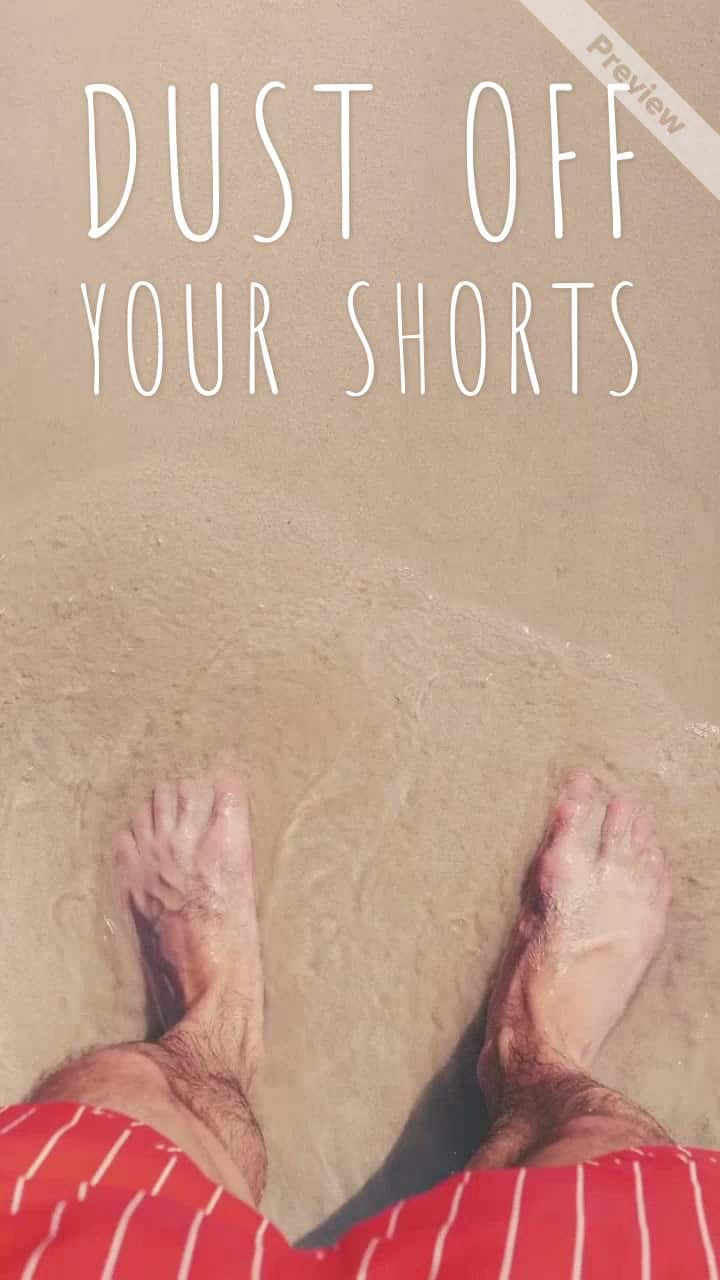
Dust Off Your Shorts
Customize
Mother Knows
Mother Knows
Customize
Winter Dosen't Last Forever
Customize
Flash Sale
Flash Sale
Customize
Stars, Strips & Savings
Customize
Your Style
Your Style
Customize
Easter Rush
Easter Rush

FAQ

FAQ

Questions about Promo.com’s YouTube Video Creator?

What is a YouTube ad?

There are several types of YouTube advertisements, though most are video-based. There are YouTube ads in the form of videos that appear in search results or in the list of related videos for a viewer.

Some of them automatically play while viewers are watching other videos. The format will also dictate the length and the content of your ad. Using a reliable YouTube video ad maker like Promo ensures your videos are optimized for all formats.

How do you create a YouTube ad?

Create a video with the Promo.com YouTube ad maker by choosing your footage and uploading your own. You can then easily personalize and tailor your YouTube advert to your preference.

Write your message and provide your audience with a powerful call to action to bring them to your product page or website. Promo works as a complete ad creator and video ad maker for professionals and beginners alike.

How do advertisements work on YouTube?

There are several ways to place advertisements on YouTube videos. Utilizing Google Ads, you will be able to create and manage your YouTube advertisement.  

In this case, you will set your ad to be a six-second bumper ad, an in-stream ad that can be removed within 5 seconds, or another type. When someone who views your ad clicks on it, you, as an advertiser, make a payment (pay-per-click). A smart ad maker or AI ad generator can help you create these ads efficiently.

Is YouTube advertising effective?

YouTube advertisements are among the most appropriate methods to enable more people to see your advertisement. More people are watching videos annually, and the most widely watched videos are on YouTube.  

This will increase the number of exposures to your video ads, increase engagement, and increase conversion, that is, the number of people who visit your site or product page due to your ads.

What type of YouTube ads can I create with Promo.com?
  • TrueView Ads 
  • Discovery Ads 
  • In-Stream Ads 
  • Bumper Ads 
  • Overlay Ads 
  • Mobile Ads 
  • Banner Ads 
  • Promo Videos 
  • Business Videos 
  • Product Videos 
  • Branding Videos 
  • and many more!

Promo’s YouTube ad maker lets you create all these formats effortlessly, acting as both an ad creator and a commercial maker.

Where can I use YouTube ads?

YouTube ads are meant to be viewed when individuals are already searching for other content on YouTube. Nevertheless, these ads are commonly linked to other sites or include YouTube clips.  

They can also be advertised on any location belonging to the Google Display Network. Promo makes it simple to export your video ads for these placements.

How much does a YouTube video ad cost?

Start by registering at Promo.com free of charge and providing no credit card details. You will be able to access all the features of the YouTube ad maker, such as professionally designed templates, free images, videos, and music.  

When ready to download your video, Promo offers flexible subscription plans to suit your company’s needs. Sign up, download, and your ad is ready for YouTube.

What can I edit in my videos?

Everything! You can add, remove, and trim clips, write and edit video text, incorporate music, choose color filters, add photos from Shutterstock and Getty, or upload your own media.

Complete it by adding your logo to make it truly yours. Promo’s ready-made templates also make creating video ads simple for beginners and marketers.

How do you add an intro to a YouTube video?

YouTube intros (and outros) can easily be added to your clips. You should always have your channel customization options turned on before uploading a video, and then upload the video you want to use as an intro. Promo’s ad maker allows you to design intros that match your branding.

How long should my YouTube videos be?

YouTube will restrict you to a maximum of 15 minutes of video length until you are a verified user. Even after that, it’s recommended to keep videos short and engaging. Viewers want content that keeps their attention, and your business’s YouTube ad should do the same. Using Promo’s YouTube video ad maker helps you produce concise, impactful ads.

What if I need help with something?

No problem. Promo has a 5-star customer support team available, along with in-depth articles in their knowledge base, marketing and educational materials on their blog, and lots of inspirational content on their social media channels. Whether you’re using the platform as an AI ad maker, ad creator, or commercial maker, help is always available.

Try for Free!

Not Sure Where to Start?

Not Sure Where to Start?

Browse our blog for great video creation and marketing inspiration:

shape shape shape